
PhotoCraft vs Photoshop (2026): Alpha Rust or Subscription?
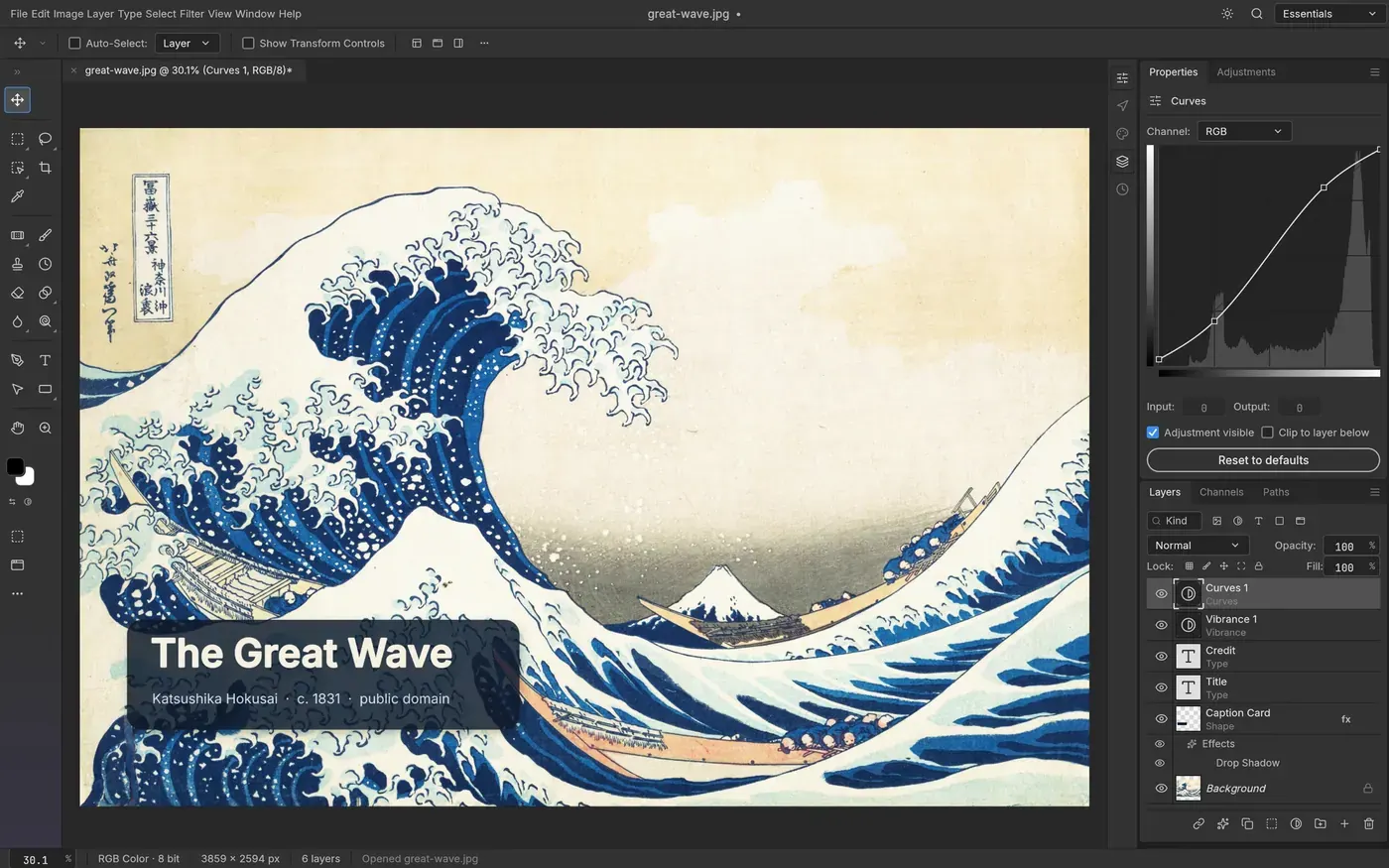
Compare PhotoCraft and Photoshop.
| Dimension | PhotoCraft | Photoshop | Source |
|---|---|---|---|
| License | MIT OR Apache-2.0 (LICENSE-MIT + LICENSE-APACHE, 2026-10-22) | Proprietary (Adobe General Terms of Use) | PhotoCraft LICENSE files; adobe.com/legal/terms.html |
| Price | free (open-source) | paid Creative Cloud (price not copied here) | Licenses / Adobe product page |
| Current release (this check) | v0.12.0 (GitHub, 2026-10-21T18:28:57Z) | Creative Cloud SKU; version string not copied from Adobe’s product page | GitHub Releases storytold/photocraft; adobe.com/products/photoshop.html |
| Maturity | early alpha — README says not yet a daily professional Photoshop replacement | Long-standing commercial editor | PhotoCraft README IMPORTANT note; Adobe product page |
| Implementation | Pure Rust, wgpu GPU compositor + CPU reference, egui UI, WASM web build | Proprietary desktop / online app (implementation not copied) | PhotoCraft README |
| Community snapshot (2026-10-22) | 70,680 stars, 12,462 forks, created 2026-09-30, last push 2026-10-22 | Not a public GitHub product in this check | GitHub API storytold/photocraft |
| Documented editing model | README lists 67 tools, layers/masks/styles, 16 adjustment layers, type, vectors, real PSD/PSB | Commercial pixel editor; we did not copy a feature matrix | PhotoCraft README Features / Everything in the box |
| PSD / interchange | README claims open/edit/save layered PSD; 307/309 psd-tools render claim; PSB, 16/32-bit, CMYK, Lab | Native PSD/PSB author | PhotoCraft README “PSD without compromise”; Adobe product identification |
| AI / generative fill | README lists AI/generative features among the biggest gaps | Commercial suite extras not copied in this pass | PhotoCraft README IMPORTANT note |
| Plugins | Plug-in compatibility listed as a gap | Commercial plugin ecosystem; not counted here | PhotoCraft README |
| Upstream scorecard (self-reported, v0.12.0) | Tools 36 done / 8 partial / 0 missing; 24 of 171 settings do nothing; performance baseline unchanged | n/a | GitHub release notes v0.12.0 quoting docs/scorecard.md |
| Performance / quality | Not independently tested (upstream notes 3 scenarios within budget, 22 over — not rerun here) | Not independently tested | PhotoCraft v0.12.0 release notes; n/a for Photoshop |
When to choose which
- Daily professional Photoshop-class work this week: Photoshop — PhotoCraft’s own README says it is not that replacement yet.
- Opening a layered PSD in a new Rust-native app: PhotoCraft — README claims PSD open/edit/save and a 307/309 psd-tools render check. Early alpha; we did not reproduce that corpus.
- Production-proven free editor: GIMP — GIMP 3.2.6. See GIMP vs Photoshop and PhotoCraft vs GIMP.
- Web-targeted or agent/MCP-driven editor: PhotoCraft — README lists a WASM build, CLI, JSON control, and MCP. Untested here.
- Tracking a new Rust-native editor: PhotoCraft — v0.12.0, 70,680 stars on 2026-10-22. Star velocity is not quality.
Read the entity pages: PhotoCraft and Photoshop (identification only). Hub: Photoshop alternatives. The existing Google landing on this site is still PhotoCraft vs GIMP. Same cluster: GIMP vs Photoshop, Krita vs Photoshop, PhotoCraft vs Krita. Install: How to install PhotoCraft.
PhotoCraft vs Photoshop at a glance
PhotoCraft is a new pure-Rust editor (created 2026-09-30) that calls itself a clean-room Photoshop-class app. The 2026-10-22 GitHub check: 70,680 stars, 12,462 forks, latest release v0.12.0 (2026-10-21), dual MIT OR Apache-2.0. The README still says early alpha and “not yet a Photoshop replacement for daily professional work.”
Photoshop is Adobe’s proprietary Creative Cloud editor. Identification page: Photoshop. We did not copy a price or a feature scorecard from Adobe.
Stars are not quality. PhotoCraft’s star velocity is a discovery signal, not a bake-off.
What the PhotoCraft README claims (not tested here)
Copied labels from the README opened 2026-10-22. Treat them as identification, not a promise that a production retouch will survive.
| Area | PhotoCraft README / v0.12.0 notes | Versus Photoshop on this page |
|---|---|---|
| Tools | “67 tools” listed (Move through Zoom) | Commercial toolbox; not counted here |
| Layers | Groups, clipping, pixel/vector masks, fill layers, smart objects, 27 Photoshop blend modes plus six Paint.NET variants | Commercial layer model |
| Adjustments | 16 adjustment layers (Curves, Levels, Vibrance, …) | Commercial adjustments |
| Type / vectors | Point/paragraph type; shape layers; 116/116 shape-layer pixel-match claim vs Photoshop | Commercial type/vector tools |
| PSD | Open/edit/save; 307/309 psd-tools render claim; PSB; 16/32-bit; CMYK/Lab | Native PSD/PSB author |
| Color | RGB, Grayscale, CMYK, Lab at 8/16/32-bit; ICC in pure Rust | Commercial color management |
| Also reads | GIMP XCF (read), Krita .kra (read), OpenRaster, SVG, Affinity documents (read-only) | n/a |
| Gaps | AI/generative, 15 missing tools, typography/pro-workflow depth, plug-in compatibility | Those gaps are PhotoCraft’s own list |
| Scorecard (v0.12.0, self-reported) | Tools 36 / 8 / 0 done/partial/missing; 24 of 171 settings do nothing | Not a forkalt audit |
The same README says every Photoshop menu item is wired to a command, and that this measures wiring, not behaviour.
When to pick each
- Need a daily professional commercial editor: Photoshop.
- Need a mature free editor this week: GIMP 3.2.6 — GIMP vs Photoshop, PhotoCraft vs GIMP.
- Need painting: Krita — Krita vs Photoshop.
- Need a new Rust-native PSD-aware editor and accept alpha: PhotoCraft v0.12.0.
- Need a RAW catalog: darktable vs Lightroom.
Install and hardware notes
Official easiest path: getartcraft.com/apps/photocraft. GitHub v0.12.0 attaches desktop installers. FreeBSD aarch64 is not in this release (release notes cite craft-common-actions#40); FreeBSD x86_64 is included.
From source (README, not yet run here): git clone https://github.com/storytold/photocraft && cargo run --release -p photocraft.
Wayland file drag-and-drop is still documented as missing (winit 0.30, issue #386). Longer outline with SHA256 sums: How to install PhotoCraft.
Related on this site
FAQ
PhotoCraft vs Photoshop — is PhotoCraft already a replacement?
No sourced document we opened claims that. The README IMPORTANT note (still on main as of this 2026-10-22 check) says early alpha and “not yet a Photoshop replacement for daily professional work.”
Can PhotoCraft open Photoshop PSD files?
The README claims open, edit, and save of layered PSD, and that re-saving kept the render of 307 of 309 psd-tools test files. v0.12.0 notes also mention PSB save signature work. Those are upstream claims. We have not rerun the corpus.
What does v0.12.0 add versus the v0.10.0 snapshot on this site?
GitHub published v0.12.0 on 2026-10-21. The release quotes docs/scorecard.md (tools 36/8/0 done/partial/missing) and lists Content-Aware Move, mask Density / Feather, Warp Text live preview, and FreeBSD aarch64 dropped from this release. We did not re-run the scorecard.
Does PhotoCraft have generative fill like commercial Photoshop SKUs?
The README lists AI/generative features among the biggest gaps. For local generation see Midjourney alternatives (ComfyUI, Fooocus).
How do I install PhotoCraft?
Easiest path per README: getartcraft.com/apps/photocraft or GitHub release v0.12.0 assets (macOS DMG, Windows MSI, Linux AppImage/Flatpak/deb/rpm, FreeBSD x86_64 tarball, web zip). Guide: How to install PhotoCraft (docs-based, not yet tested on a named forkalt machine).
Should I pick GIMP instead?
Yes if you need a mature free editor this week. See PhotoCraft vs GIMP and GIMP vs Photoshop.
Sources & verification
- https://github.com/storytold/photocraft
- https://github.com/storytold/photocraft/blob/main/README.md
- https://github.com/storytold/photocraft/blob/main/LICENSE-APACHE
- https://github.com/storytold/photocraft/blob/main/LICENSE-MIT
- https://github.com/storytold/photocraft/releases/tag/v0.12.0
- https://getartcraft.com/apps/photocraft
- https://www.adobe.com/products/photoshop.html
- https://www.adobe.com/legal/terms.html
License notes are not legal advice. Read the original LICENSE. Trademark & disclaimer.