
Stirling-PDF vs Acrobat (2026): Toolbox or PDF Suite?
Compare Stirling-PDF and Adobe Acrobat.
| Dimension | Stirling-PDF | Adobe Acrobat | Source |
|---|---|---|---|
| License | MIT core; named proprietary/SaaS/engine/desktop/cloud/portal dirs carved out (open-core) | Proprietary (Adobe General Terms of Use) | Stirling-PDF LICENSE (2026-10-21); adobe.com/legal/terms.html |
| Price (software) | free self-host of the MIT core; proprietary dirs and hosted SKUs are separate | paid Acrobat SKU (price not copied here) | LICENSE / Adobe Acrobat page |
| Current release (this check) | v3.2.0 (GitHub, 2026-10-15) | Acrobat SKU; version string not copied from Adobe’s marketing page | GitHub Releases Stirling-Tools/Stirling-PDF; adobe.com/acrobat.html |
| Community snapshot (2026-10-22) | 94,686 stars / 11,383 forks; last push 2026-10-22 | Not a public GitHub product in this check | GitHub API Stirling-Tools/Stirling-PDF |
| Job (project positioning) | Self-hosted multi-tool PDF app (browser toolbox) | Commercial PDF suite (view, edit, sign SKUs — not independently listed) | Stirling-PDF README / GitHub; adobe.com/acrobat.html |
| GitHub license field | NOASSERTION (we copy the LICENSE file, not the API badge) | n/a | GitHub API / LICENSE |
| Quality vs Acrobat Pro | Not independently tested | Not independently tested | n/a |
When to choose which
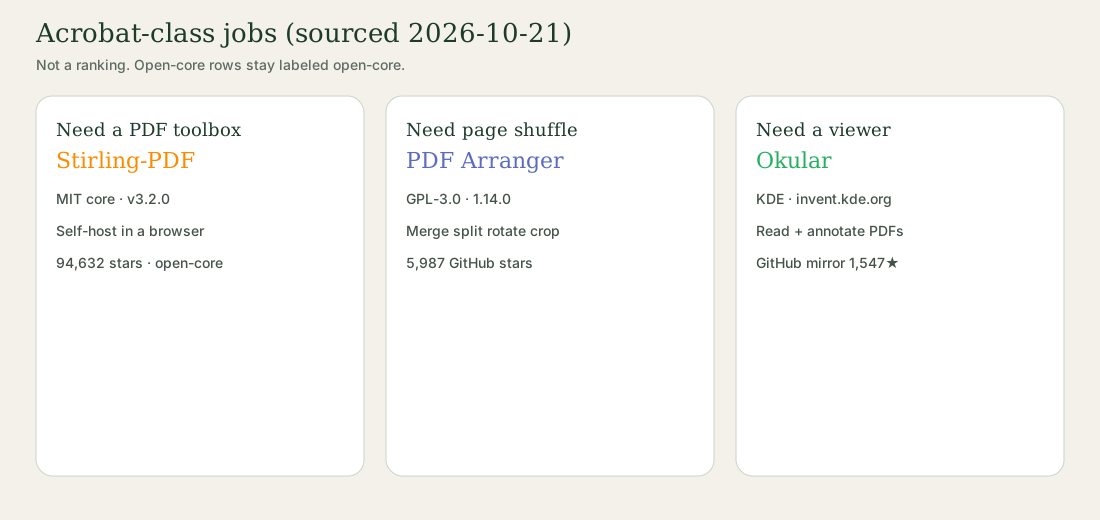
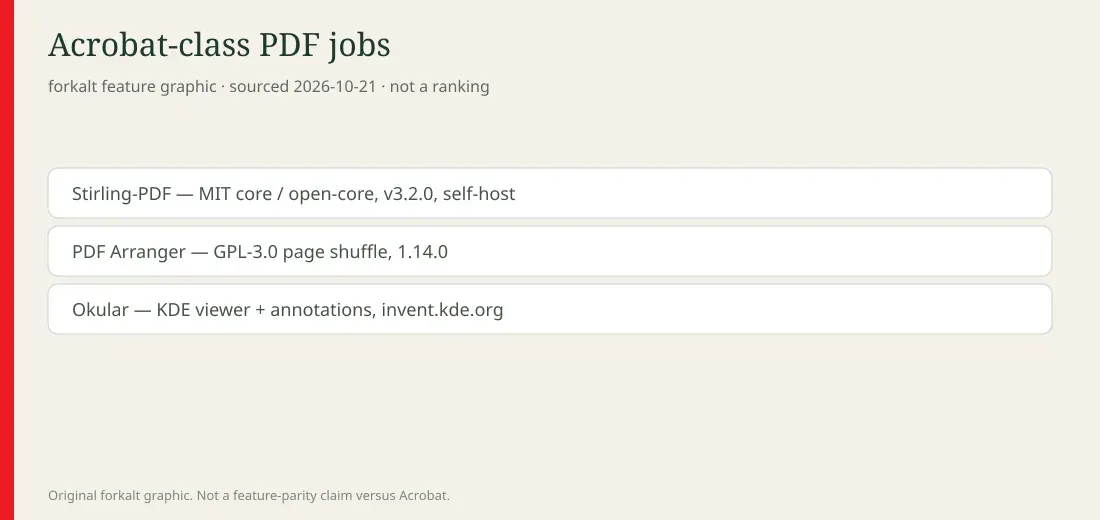
- Self-hosted browser toolbox this week: Stirling-PDF — v3.2.0. Read the LICENSE carve-outs before offering it as a service. We did not run Docker.
- Paid commercial PDF suite: Adobe Acrobat — That is the commercial product. Not a quality score.
- Desktop merge / split / rotate / crop: PDF Arranger — GPL-3.0 page shuffler (1.14.0). Different job from a forms suite.
- Read and annotate, not rebuild pages: Okular — KDE viewer. Canonical git invent.kde.org/graphics/okular.
Read the entity pages: Stirling-PDF and Adobe Acrobat (identification only). Hub: Adobe Acrobat alternatives. Related rows: PDF Arranger, Okular.
Stirling-PDF vs Adobe Acrobat at a glance
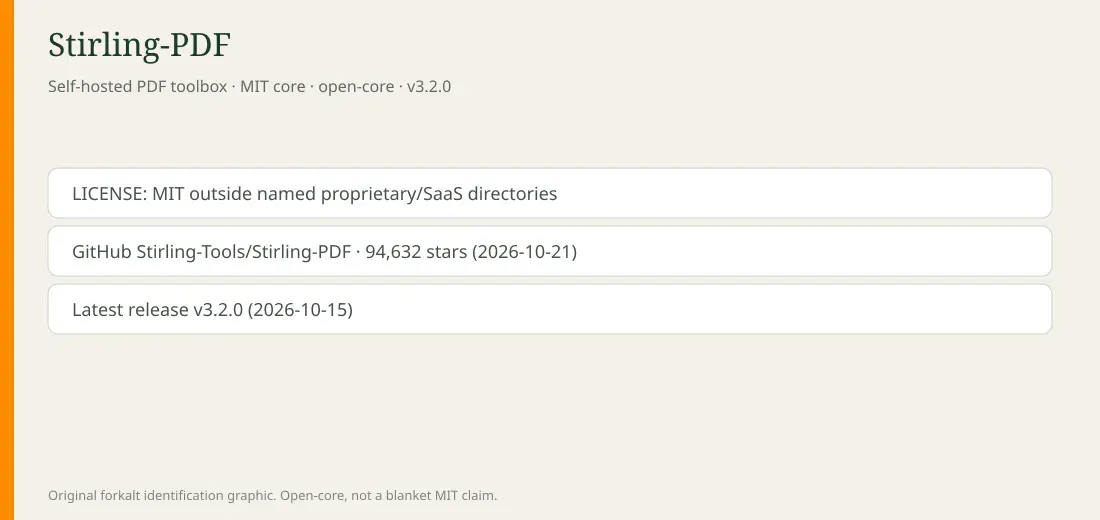
Stirling-PDF is a self-hosted PDF toolbox. Stirling-Tools/Stirling-PDF on 2026-10-22: 94,686 stars / 11,383 forks, last push 2026-10-22, latest release v3.2.0 (2026-10-15). Root LICENSE is MIT outside named proprietary/SaaS directories. GitHub’s license field is NOASSERTION. We copy the file and call it open-core.
Adobe Acrobat is a commercial PDF suite. Identification: Adobe Acrobat. Marketing host opened 2026-10-22: adobe.com/acrobat. We did not copy a price or an Acrobat Pro feature matrix.
Star count is not quality. Open-core is not “fully MIT.”
When to pick each
- Need a browser toolbox you can self-host: Stirling-PDF v3.2.0. Read the LICENSE carve-outs first.
- Need the commercial suite: Adobe Acrobat.
- Need merge / split / rotate / crop on a desktop: PDF Arranger 1.14.0.
- Need to read and annotate: Okular.
- Need a word processor: Microsoft Word alternatives.
Related on this site
FAQ
Stirling-PDF vs Adobe Acrobat — is Stirling-PDF fully MIT?
The root LICENSE (opened 2026-10-21) is MIT for content outside named proprietary, SaaS, engine, desktop, cloud, and portal directories. GitHub’s license field is NOASSERTION. We list it as open-core. Not legal advice.
Can it replace Acrobat Pro forms, e-sign, and OCR?
We did not independently test forms, certificates, or OCR against Acrobat Pro. Stirling-PDF’s README describes a multi-tool PDF app; proprietary directories are out of the MIT grant.
What version did you check?
v3.2.0 (GitHub, 2026-10-15). API 2026-10-22: 94,686 stars, last push 2026-10-22. Homepage stirling.com.
Should I pick PDF Arranger or Okular instead?
PDF Arranger is page-level shuffle. Okular is a viewer with annotations. See Adobe Acrobat alternatives.
Sources & verification
- https://github.com/Stirling-Tools/Stirling-PDF
- https://github.com/Stirling-Tools/Stirling-PDF/blob/main/LICENSE
- https://github.com/Stirling-Tools/Stirling-PDF/releases/tag/v3.2.0
- https://stirling.com/
- https://www.adobe.com/acrobat.html
- https://www.adobe.com/legal/terms.html
License notes are not legal advice. Read the original LICENSE. Trademark & disclaimer.